

Guide
How to Use Wheebuy, Step by Step
From a spreadsheet find to a parcel at your door. Ten plain steps, plus what to watch at each one.
- Find the item. Browse W2CSpreadsheet by category or search and copy the product link. This is a discovery step only.
- Open Wheebuy and confirm the domain. Make sure you’re on the official wheebuy.com. Create an account.
- Paste the link into Wheebuy. Set size, color, quantity and any note for the buyer.
- Pay the item cost. This covers buying the product; international shipping is paid later, separately.
- Wait for purchase & warehouse arrival. The agent buys it and receives it at the warehouse.
- Review QC photos. Check color, the size tag, stitching and obvious defects before you approve.
- Store or consolidate. Hold the item to combine with more, which can lower per-parcel shipping.
- Submit the parcel & choose a shipping line. Compare speed, cost, weight limits and restricted items for your country.
- Pay international shipping. The quote depends on weight and volume of the packed parcel.
- Track & receive. Follow the tracking to delivery, and keep your order records in case you need support.
What the Wheebuy interface looks like
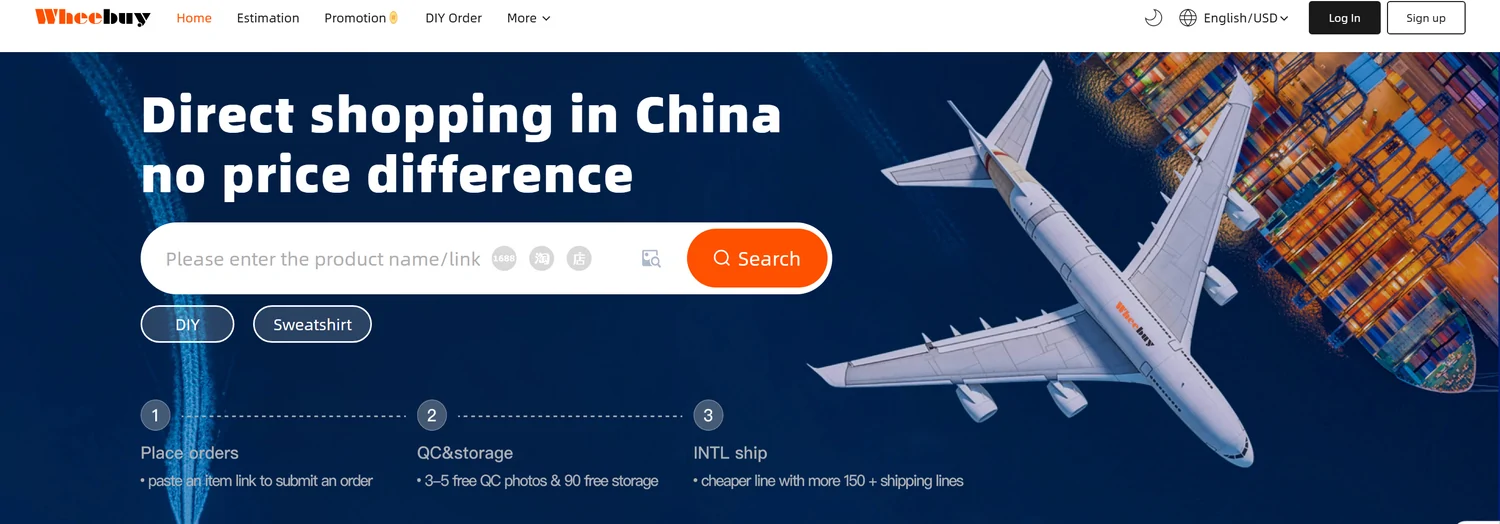
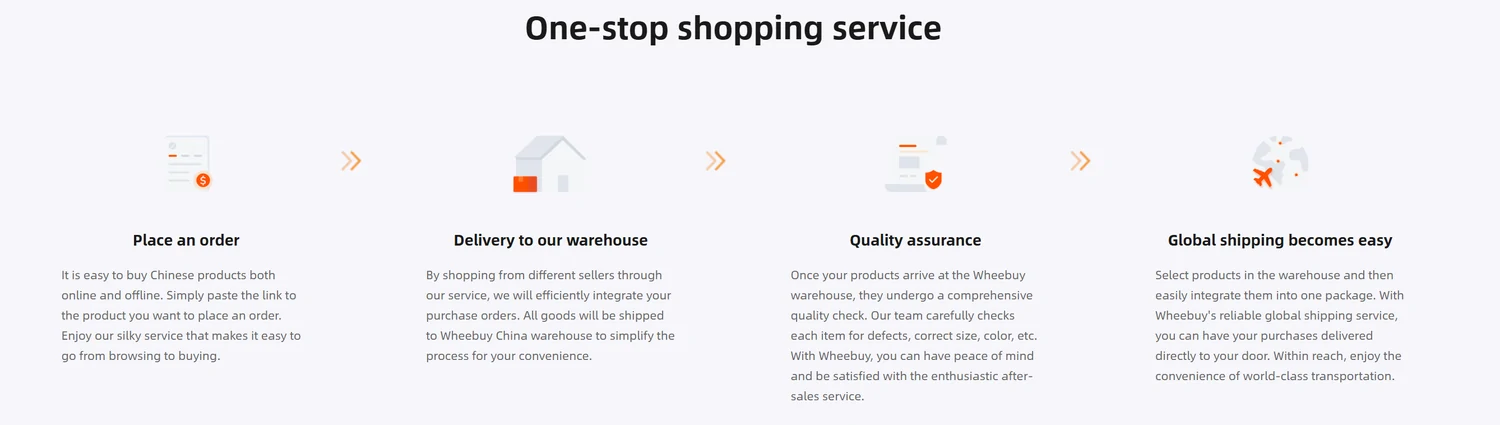
Item cost and international shipping are two separate payments at two different times. Budget for both, and don’t choose a shipping line on price alone — check weight limits and restricted items first.
Related guides
Ready to place your first order?
Browse finds on W2CSpreadsheet, then order, check QC and ship through the official Wheebuy site.