

Guide
How to Use Wheebuy, Step by Step
From a spreadsheet find to a parcel at your door. Ten plain steps, plus what to watch at each one.
Control-desk summary
Using Wheebuy runs from a spreadsheet find to a parcel at your door: copy the product link, order it through the agent, approve QC photos, consolidate, pick a shipping line and track delivery.
- Start with a product link from a spreadsheet find
- Wheebuy buys it, warehouses it and shoots QC photos for your approval
- Consolidate multiple items into one parcel before it ships
- Choose a shipping line and confirm live fees on the official site
- Find the item. Browse W2CSpreadsheet by category or search and copy the product link. This is a discovery step only.
- Open Wheebuy and confirm the domain. Make sure you’re on the official wheebuy.com. Create an account.
- Paste the link into Wheebuy. Set size, color, quantity and any note for the buyer.
- Pay the item cost. This covers buying the product; international shipping is paid later, separately.
- Wait for purchase & warehouse arrival. The agent buys it and receives it at the warehouse.
- Review QC photos. Check color, the size tag, stitching and obvious defects before you approve.
- Store or consolidate. Hold the item to combine with more, which can lower per-parcel shipping.
- Submit the parcel & choose a shipping line. Compare speed, cost, weight limits and restricted items for your country.
- Pay international shipping. The quote depends on weight and volume of the packed parcel.
- Track & receive. Follow the tracking to delivery, and keep your order records in case you need support.
What the Wheebuy interface looks like
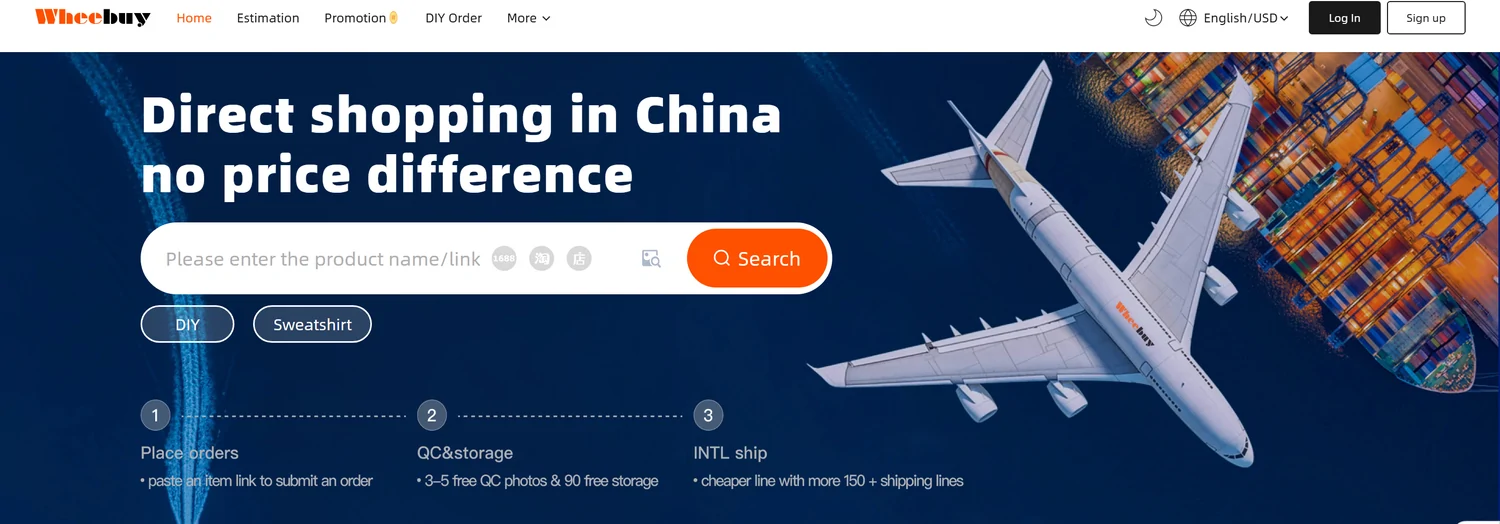
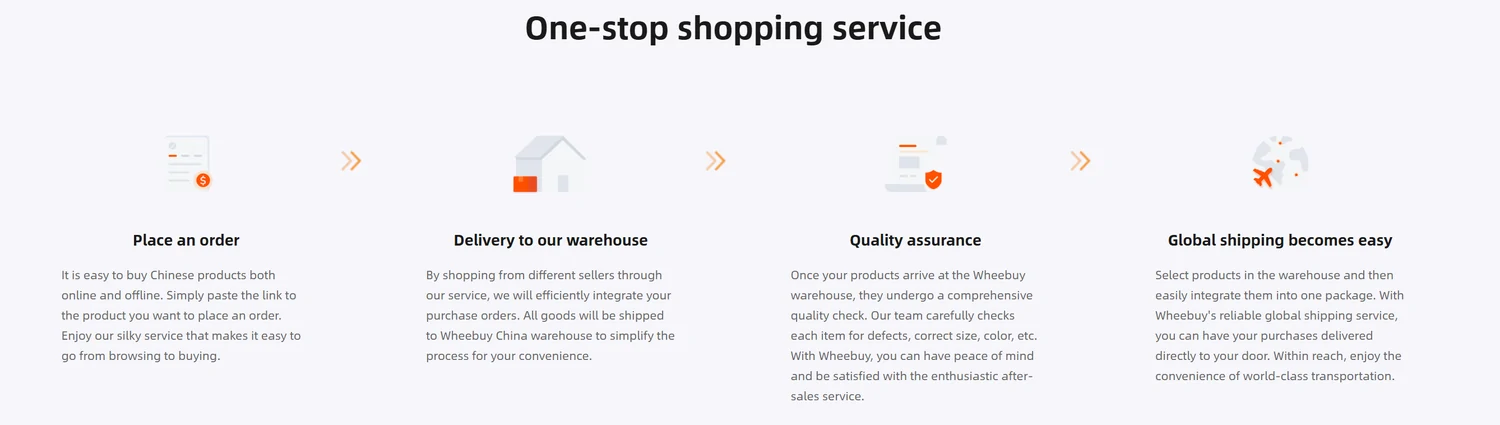
Item cost and international shipping are two separate payments at two different times. Budget for both, and don’t choose a shipping line on price alone — check weight limits and restricted items first.
Shortcut
Starting from one of our find pages
Pick the item on our Categories page and steps 1 and 3 get shorter. Read the find page before you press the Wheebuy button.
- The options. Choose size and color on the find page, then pick the same entries in Wheebuy at step 3. If the seller wrote an option in Chinese, paste those characters into your order note too.
- The price and its date. The dollar figure is the seller's yuan price from 2026-11-18, converted a day later. Wheebuy shows the live price. That is the one you pay.
- QC photos under the main image, if there are any. They come from the latest one or two inspections of earlier orders, so they show what the seller has shipped before. Yours come at step 6; read them the same way.
- The listed weight. A rough figure for step 9. Your parcel is weighed again after packing, and bulky items can be billed on size.
- The Wheebuy button. It opens the same Weidian listing on wheebuy.com, so there is no link to copy.
Related guides
Ready to place your first order?
Browse finds on W2CSpreadsheet, then order, check QC and ship through the official Wheebuy site.